Reassigning a Request
App Portal 2020 R1
Instead of approving or rejecting a request, you have to choice to reassign a request to a different user or group.
To reassign a request to another user or group:
| 1. | Open the Approve/Reject tab. The catalog items that are pending approval are listed, and have a Status of Pending Approval. |
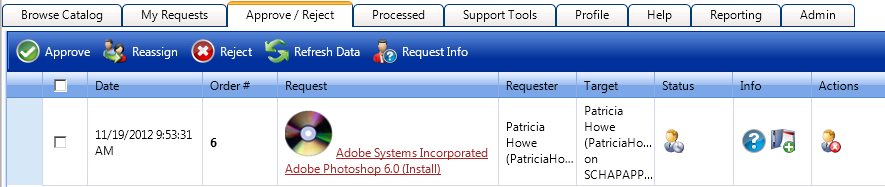
| 2. | Click on the request name. The Approval dialog box opens. |
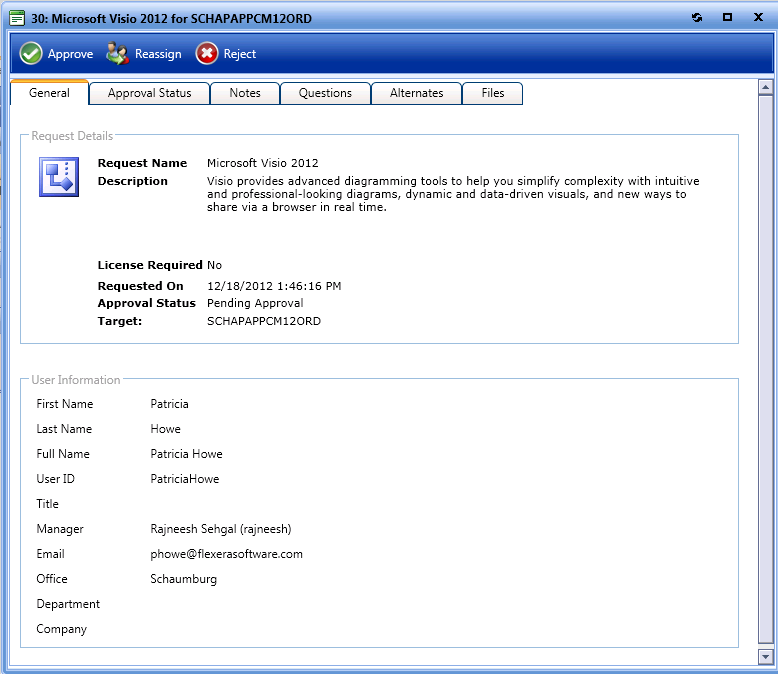
| 3. | Click Reassign. The Reassign dialog box opens. |
| 4. | Use the search box to search for a user or select an approval group from the Browse Approval Groups list. |
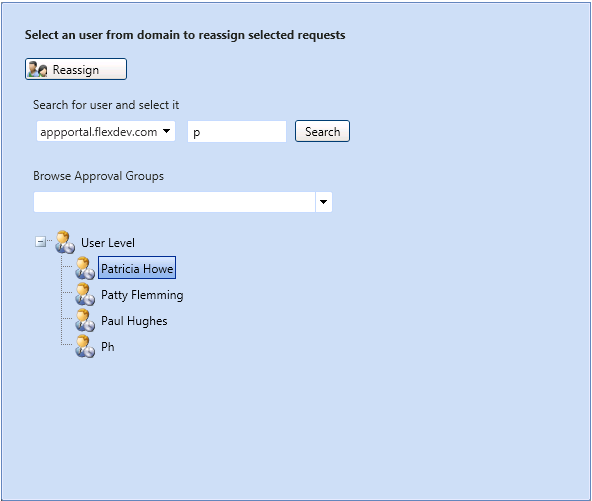
| 5. | Click Reassign. The request is reassigned to the select user or group. |
App Portal / App Broker 2020 R1 Administration GuideAugust 2020 |