Viewing Inventory Results
Data Platform
To view inventory results:
| 1. | On the Administration Console, open the Normalize page. |
| 2. | Click Inventory. |
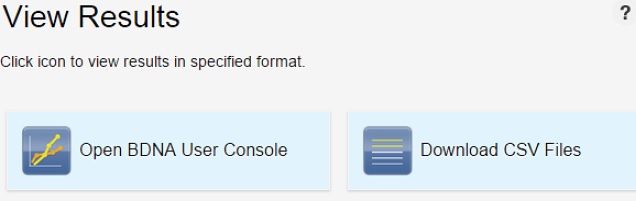
| 3. | Click the Results icon for the Inventory whose results you want to view. The View Results screen opens, with options to view results in various formats: |
| • | Open Data Platform Analyze—View and manipulate data in Analyze |
| • | Download CSV files—View data in a CSV format |
View Results